TABLE OF CONTENTS
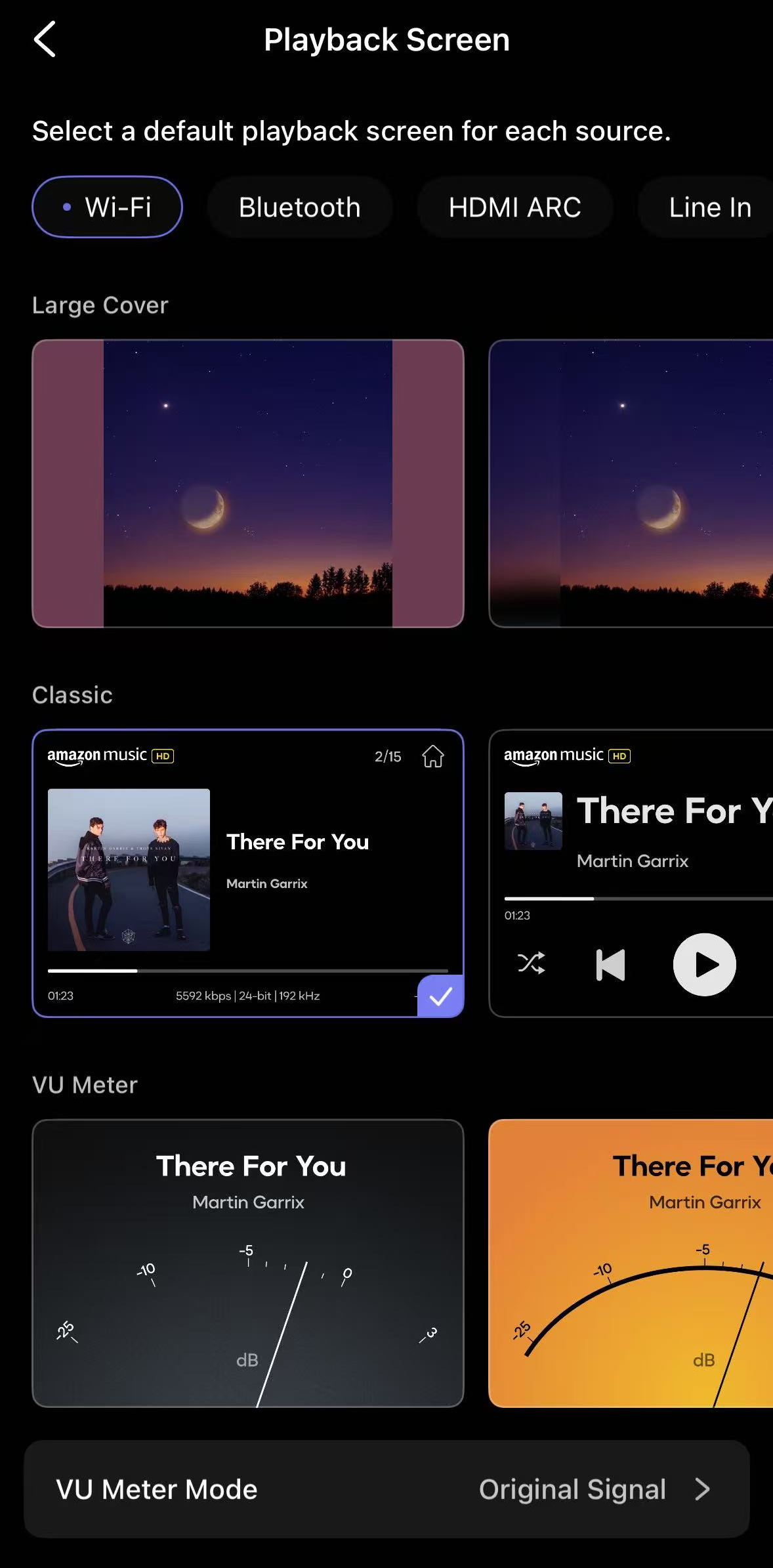
The Immersive Cover playback screen is now available on WiiM Ultra and WiiM Amp Ultra, turning the playback screen into a more dynamic and visually engaging experience.
Depending on the selected style, it highlights large album artwork, soft background effects, clean layouts, or animated visual meters—while keeping key playback information easy to read.
Applicable WiiM Devices
Playback Screen Cover Styles
Large Cover
 | - Feature: It shows the album artwork large and clear, so you can easily see what’s playing at a glance.
- Best for: Everyday listening, living rooms, and users who want clear, glanceable information.
|
Classic
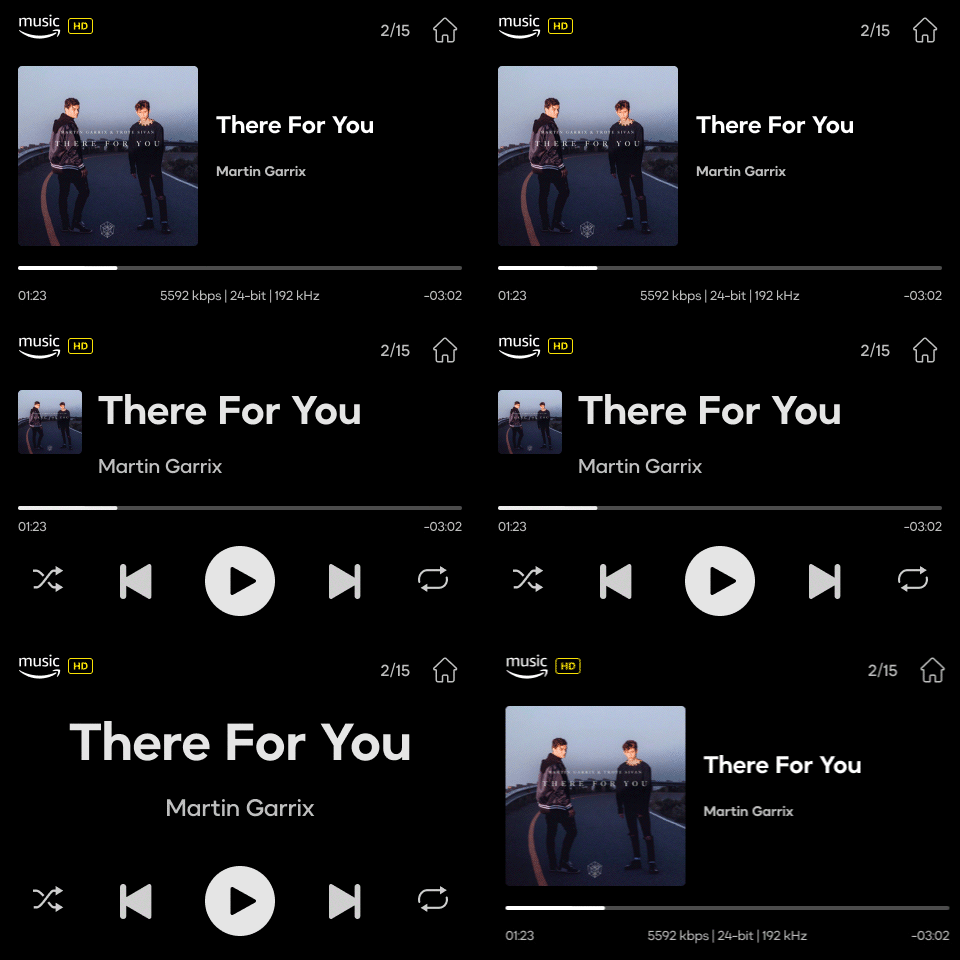 | - Feature: A traditional “Now Playing” screen that combines album artwork, track info, and playback controls.
- Best for: Users who prefer a classic playback interface with full information always visible.
|
VU Meter
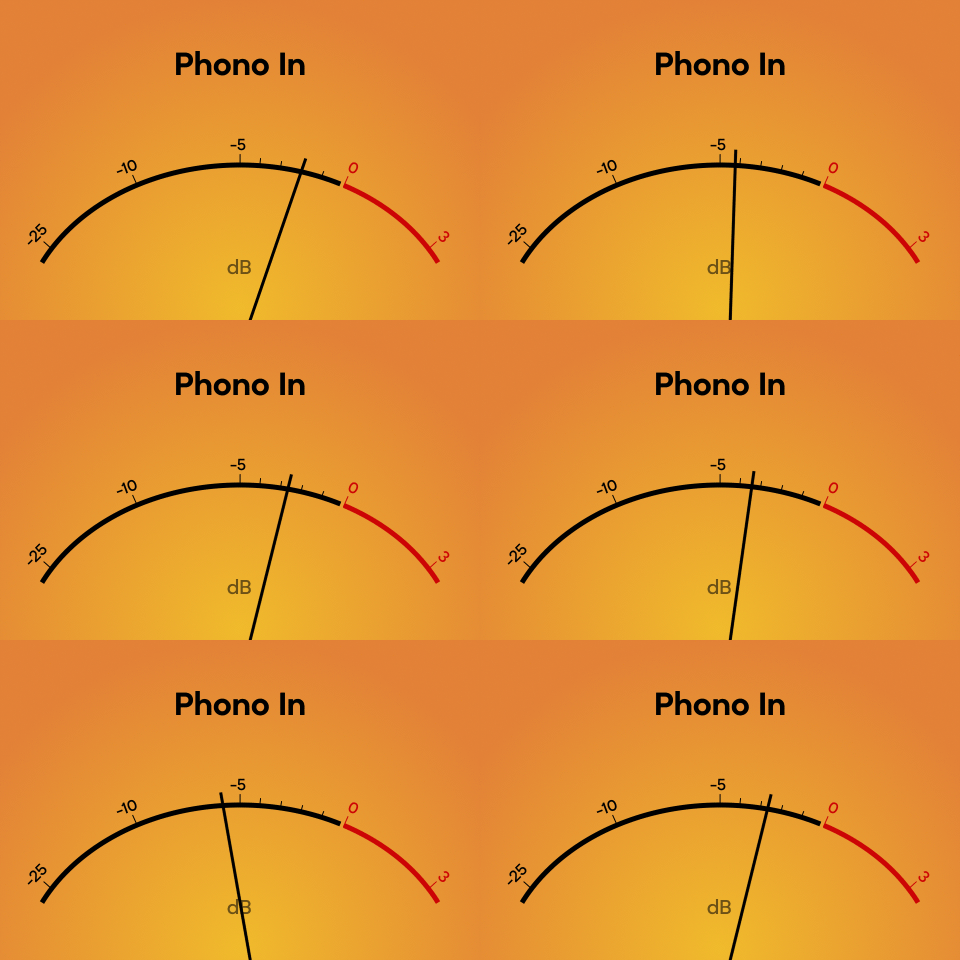 | - Feature: It shows the overall strength of the music using a moving needle, letting you visually feel the track’s dynamics and energy.
- Best for: Jazz, rock, and dynamic music, or anyone who enjoys traditional audio aesthetics.
Explore more VU Meter covers in the WiiM Home app. |
Spectrum
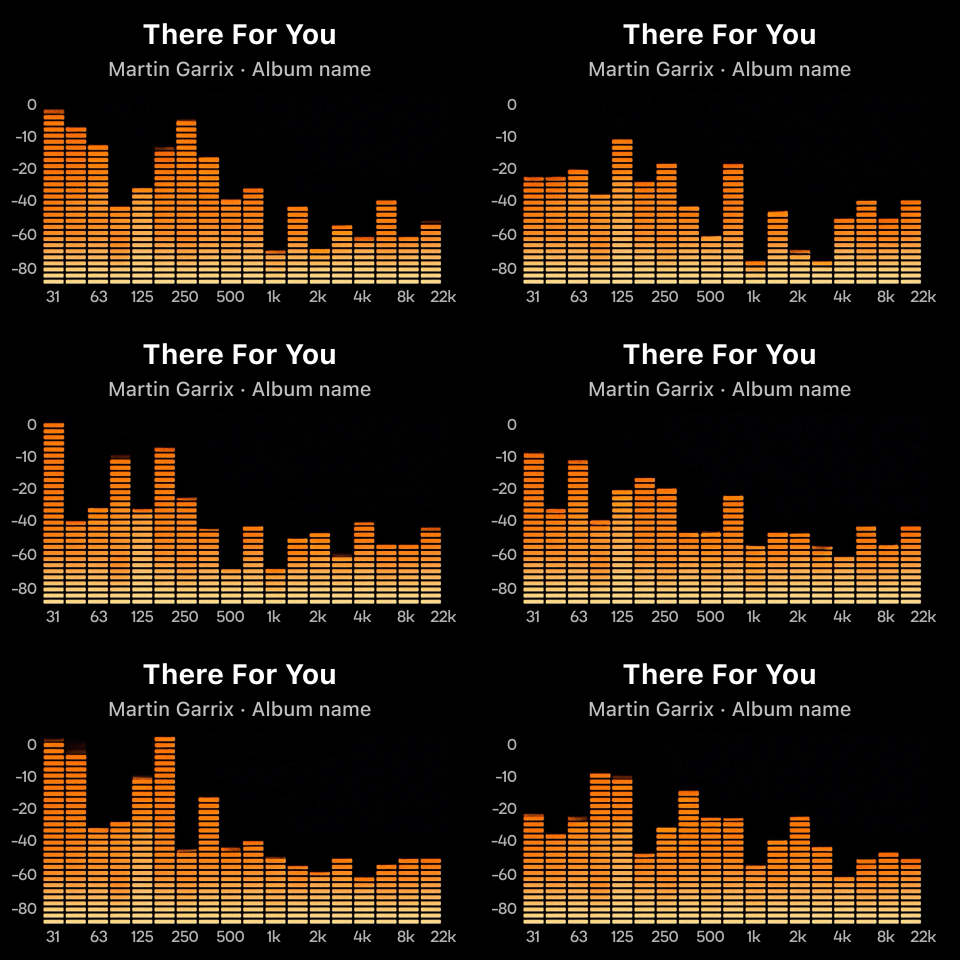 | - Feature: It shows how different music frequencies move in real time using multiple animated bars, visually reflecting the rhythm and intensity of the sound.
- Best for: Dynamic music, casual listening, and moments when you want the screen to feel active and expressive.
Explore more Spectrum covers in the WiiM Home app.
|
Minimalism
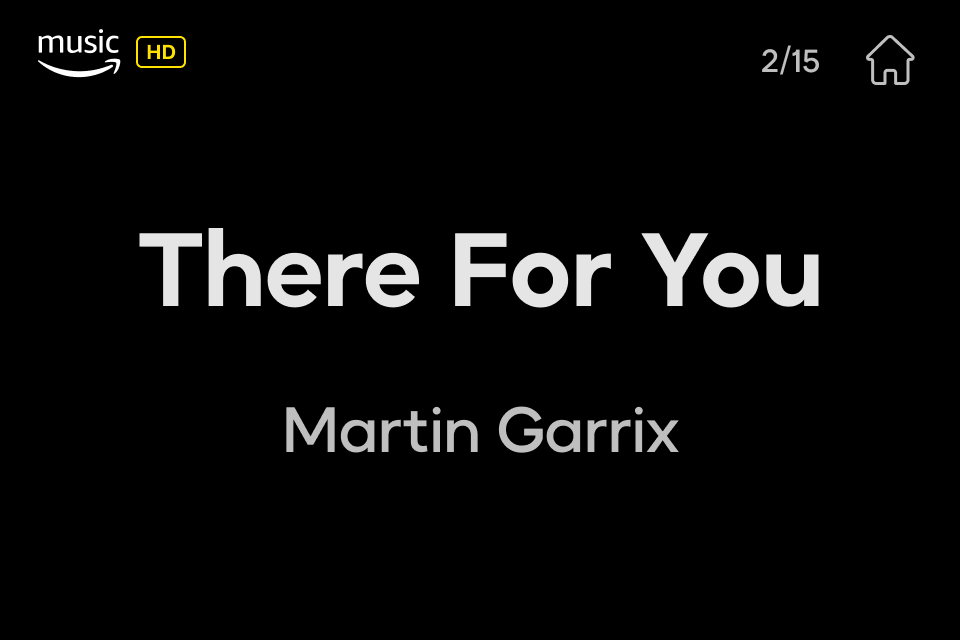 | - Feature: It shows only essential track information, keeping the screen clean and reducing visual distractions.
- Best for: Background listening, work or study sessions, and calm, distraction-free environments.
|
Customize the Playback Screen Cover per Input
Follow the instructions below to customize your favorite playback screen for each input source:
- Open the WiiM Home app.
Go to the Devices tab > Device Settings  > Screen Settings > Playback Screen.
Select an input source at the top, then choose a favorite playback screen for this input.
If needed, repeat this step to customize the playback screen for other inputs.