
If you encounter any errors when attempting to add your WiiM device to the Apple Home app, please follow these troubleshooting solutions to resolve the problem.
1. Reset Your WiiM Device
Press and hold the Play button on your WiiM device for 10 seconds until the LED indicator starts flashing red and white.
After resetting your WiiM device, try adding it to the Apple Home app again.
2. Modify Apple Home Settings
- Open the Apple Home app.
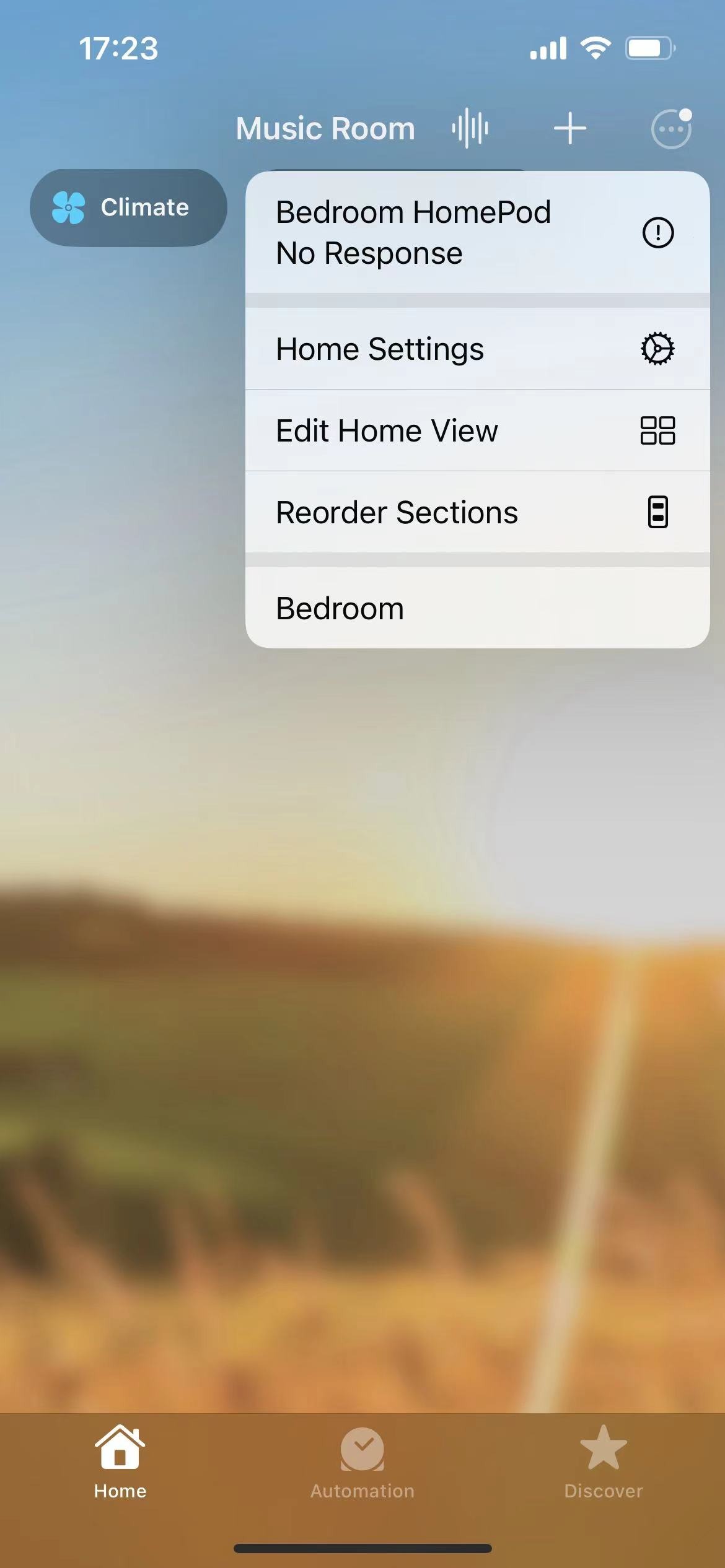
- Tap More Options (...) in the top-right corner, and then select Home Settings from the menu.
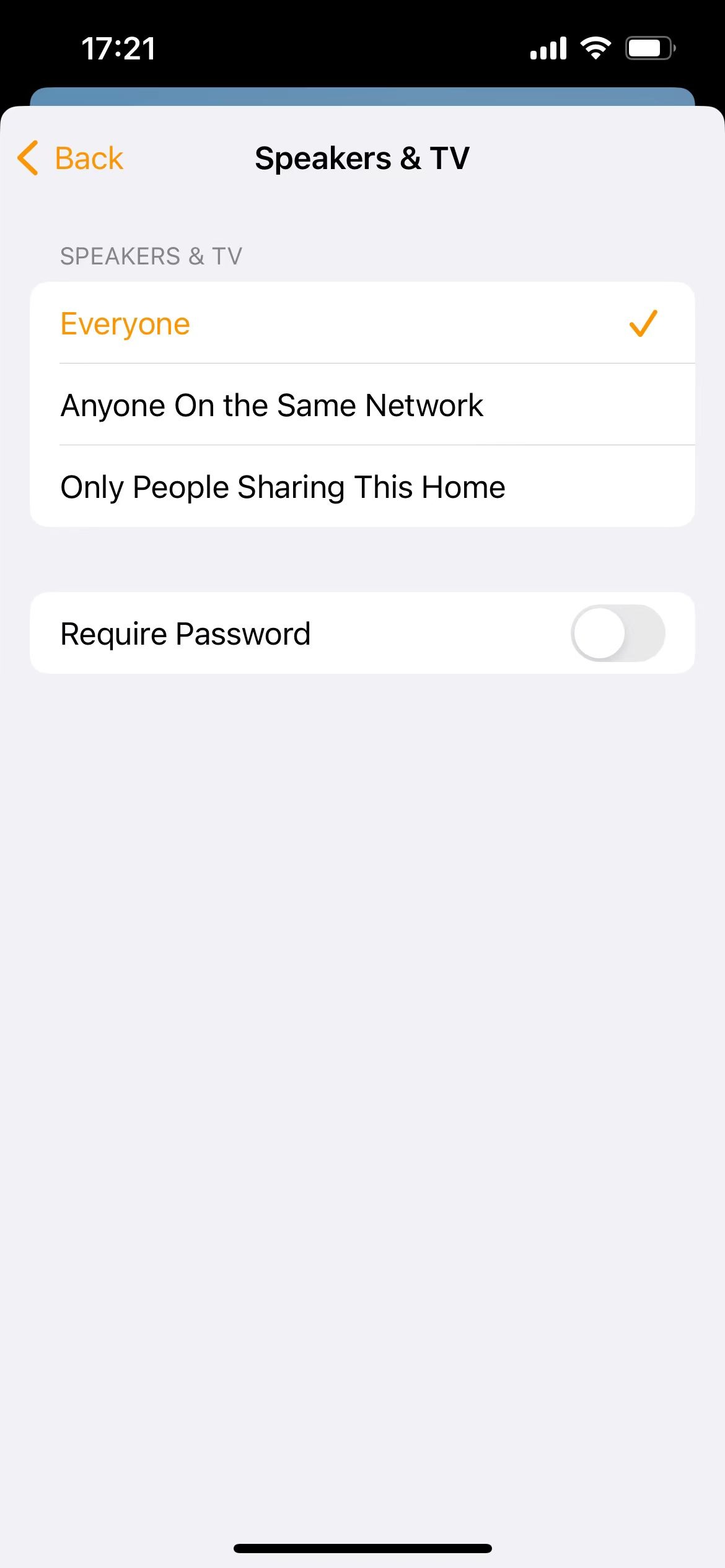
- Navigate to Speakers & TV, then set it to Everyone.
- Try adding your WiiM device to the Apple Home app again.
3. Further Assistance
If your issue persists, feel free to contact WiiM Support for further assistance.