
The WiiM Home app now includes the Enter Pairing Mode option on the Now Playing screen to make Bluetooth pairing faster and more convenient. This feature allows you to quickly put your WiiM device into Bluetooth pairing mode directly from the app, without using physical controls.
This article explains how to use this option in different Bluetooth connection scenarios.
Scenario 1: No Bluetooth Device Connected
When your WiiM device is not currently connected to any Bluetooth device, the Enter Pairing Mode option is shown directly on the Now Playing screen.
Follow these steps use it:
- Switch the input source to Bluetooth and go to the Now Playing screen.
- Tap Enter Pairing Mode. The WiiM device will immediately enter Bluetooth pairing mode.
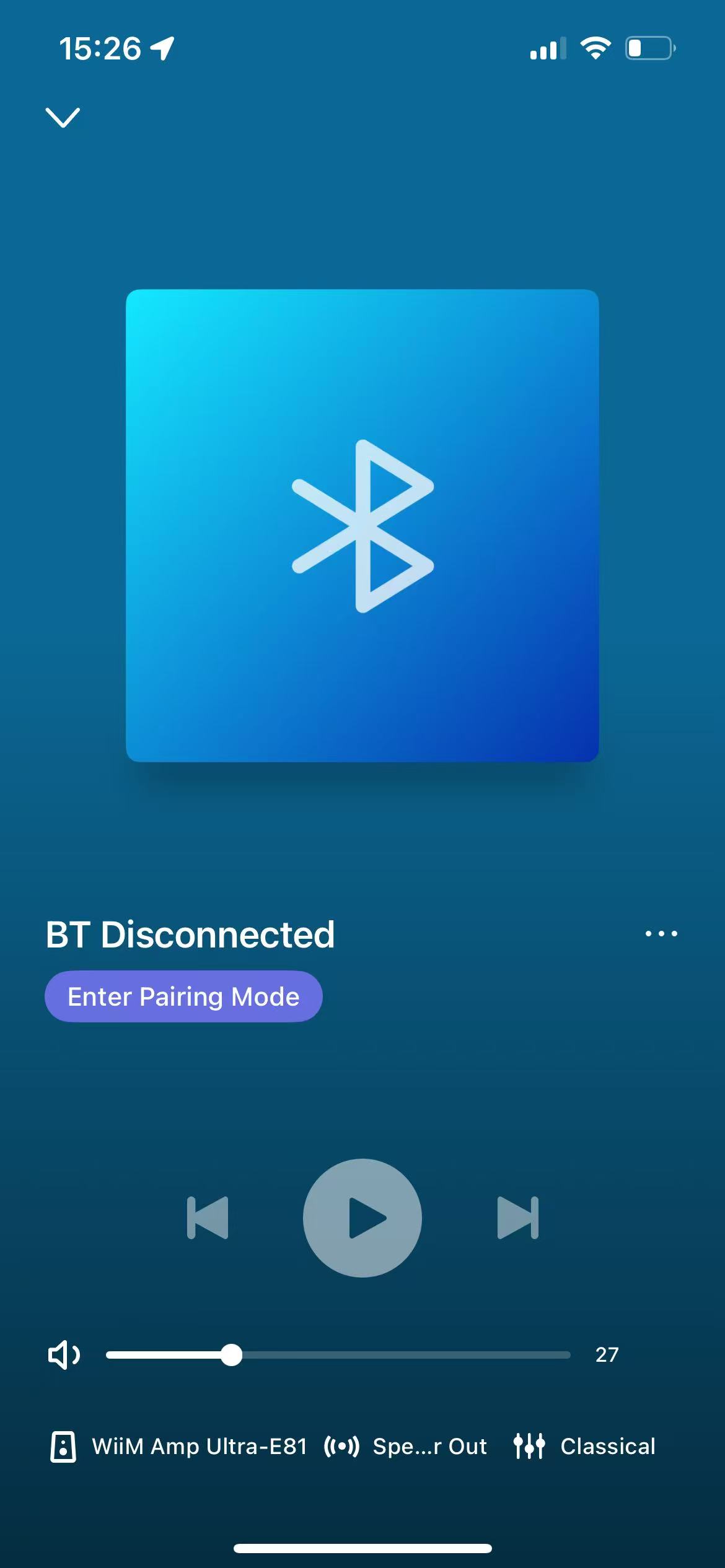
- Open Bluetooth settings on your phone or external device and select your WiiM device to complete pairing.
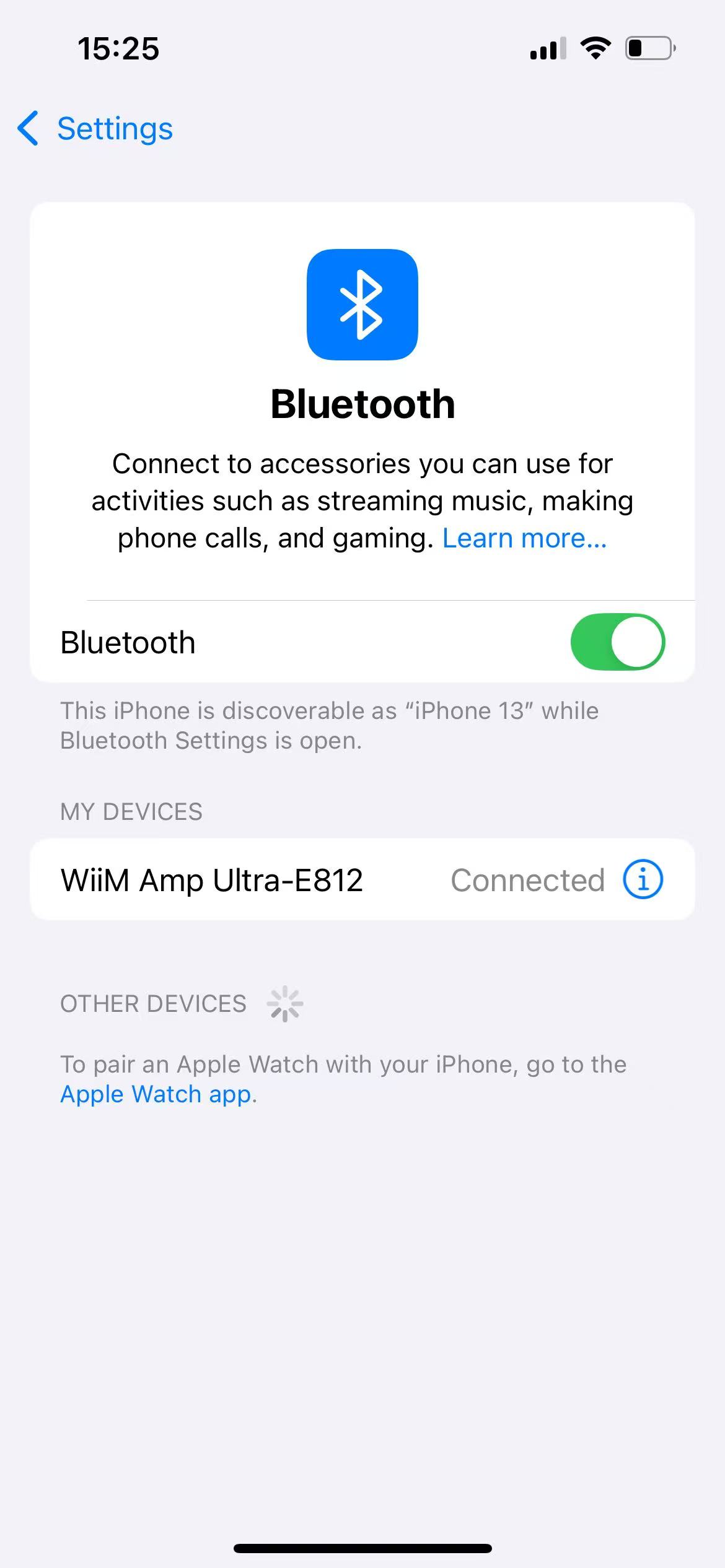
Scenario 2: A Bluetooth Device Is Already Connected
If your WiiM device is already connected to a Bluetooth device, the Enter Pairing Mode option is not shown directly on the Now Playing screen.
Follow these steps use it:
- Open the Now Playing screen in Bluetooth mode.
Tap the More (•••) option.
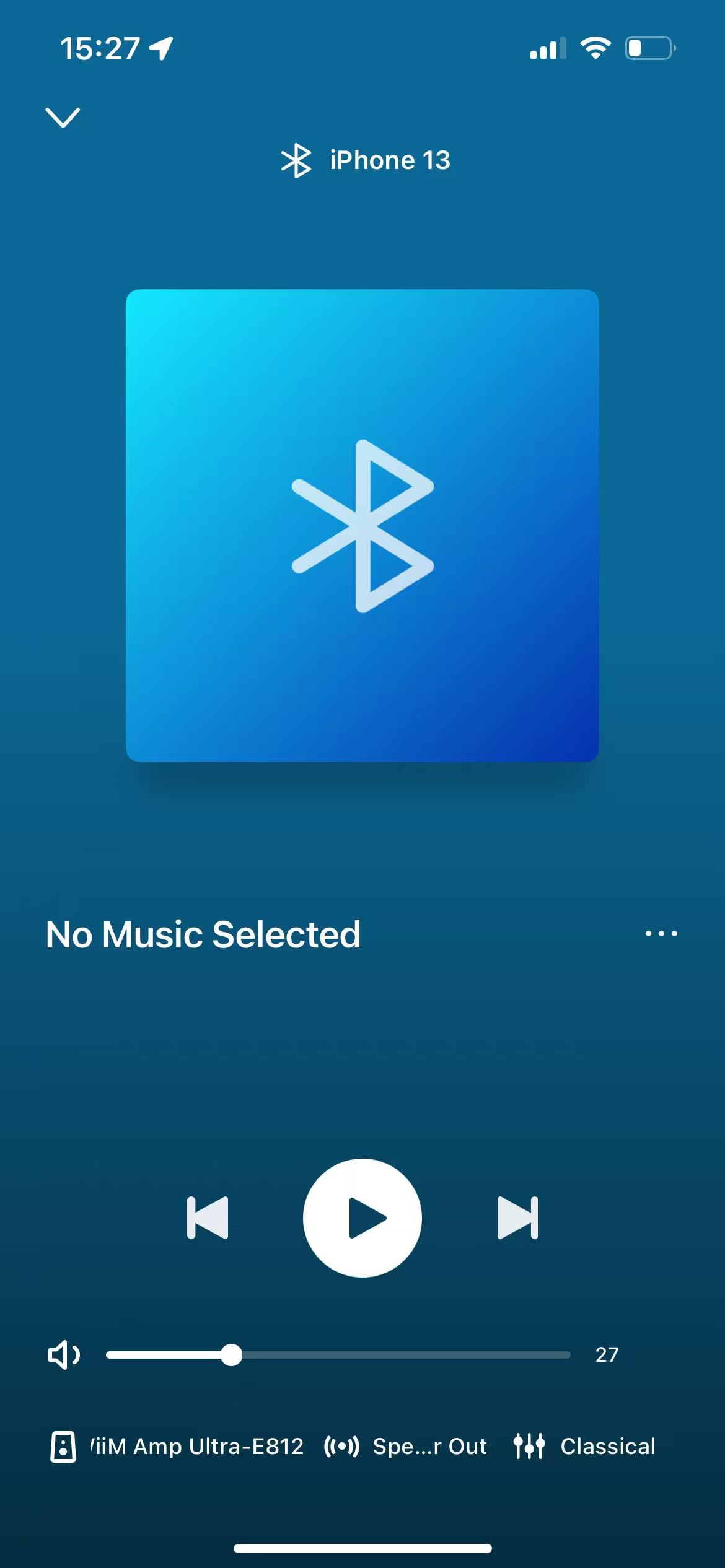
Select Bluetooth Connections.
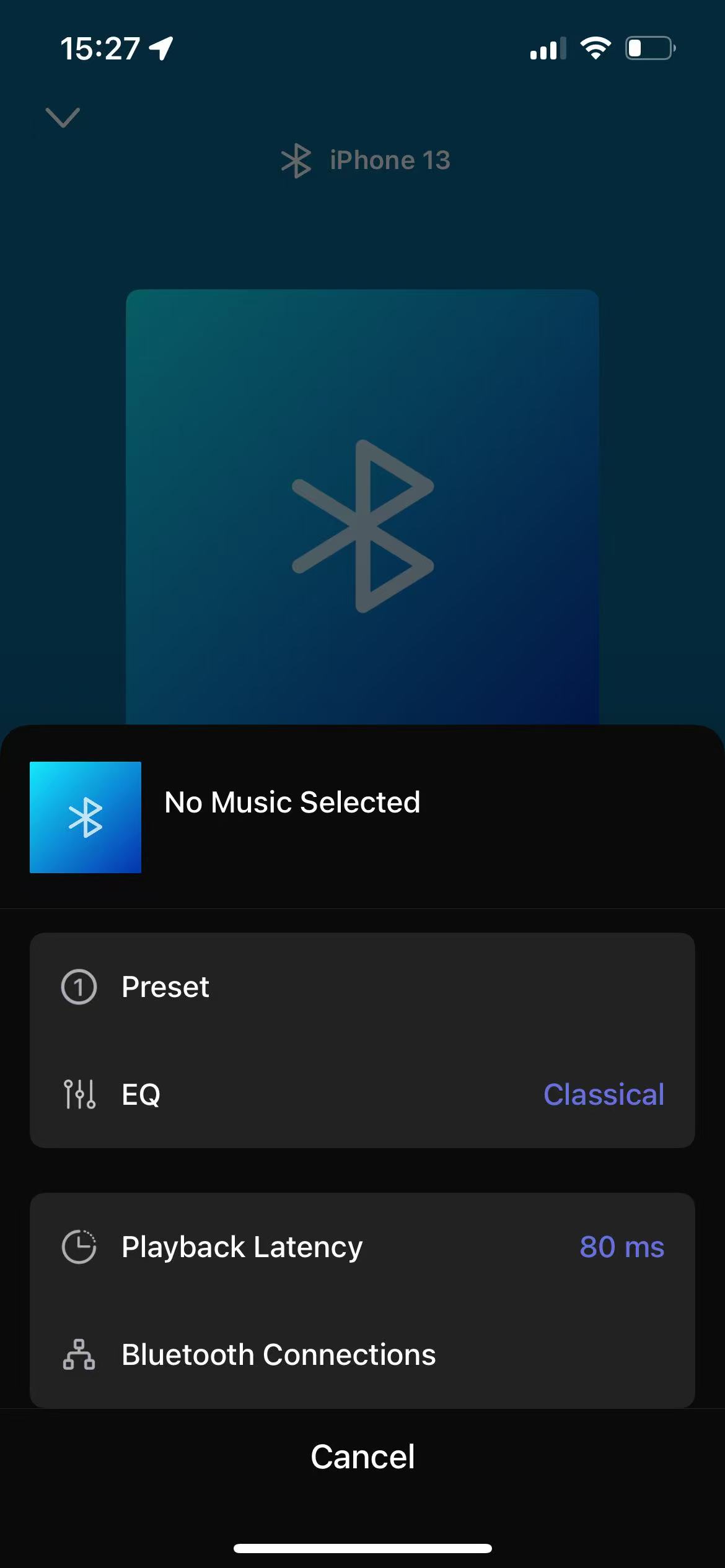
Tap Enter Pairing Mode at the bottom. The WiiM device will immediately disconnect the existing BT device and enter Bluetooth pairing mode.
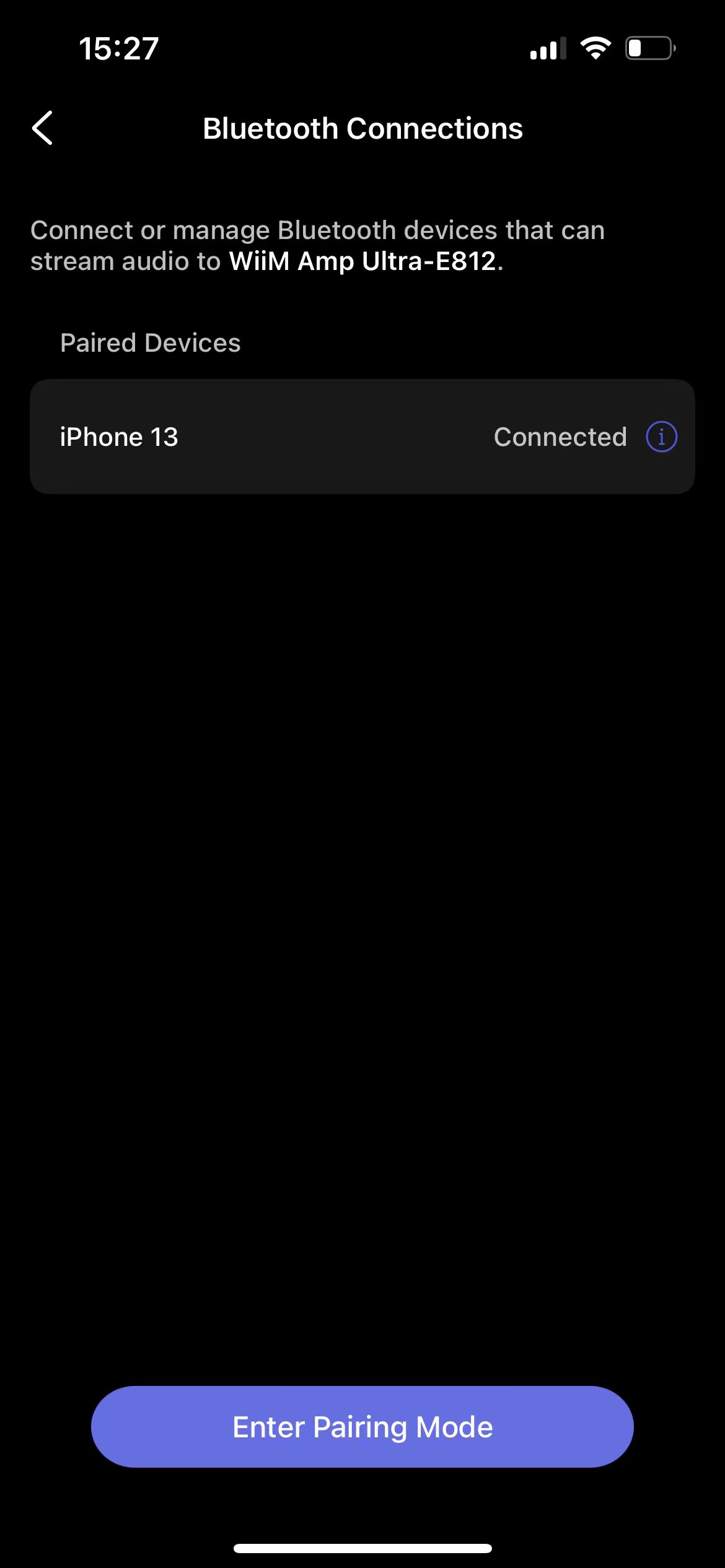
Open Bluetooth settings on your phone or external device and select your WiiM device to complete pairing.