
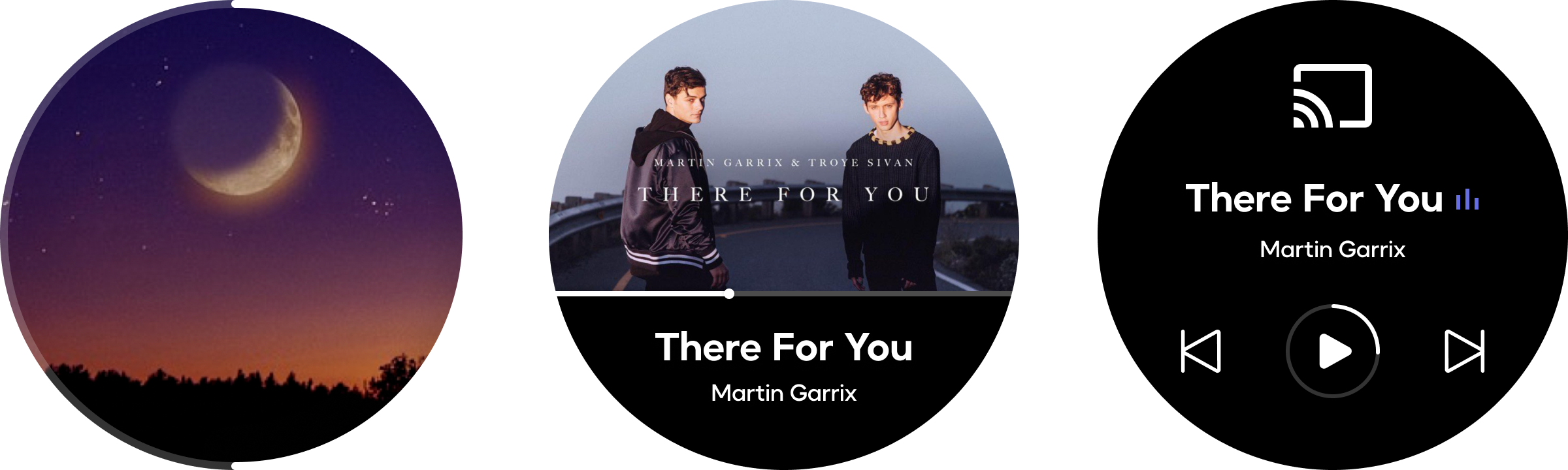
You can customize the playback screen by choosing your preferred layout to enhance your listening experience. This article will guide you through the steps.
Step-by-Step Instructions
- Open the WiiM Home app.
- Go to the Devices tab, and tap the Device Settings icon
 of your WiiM Sound.
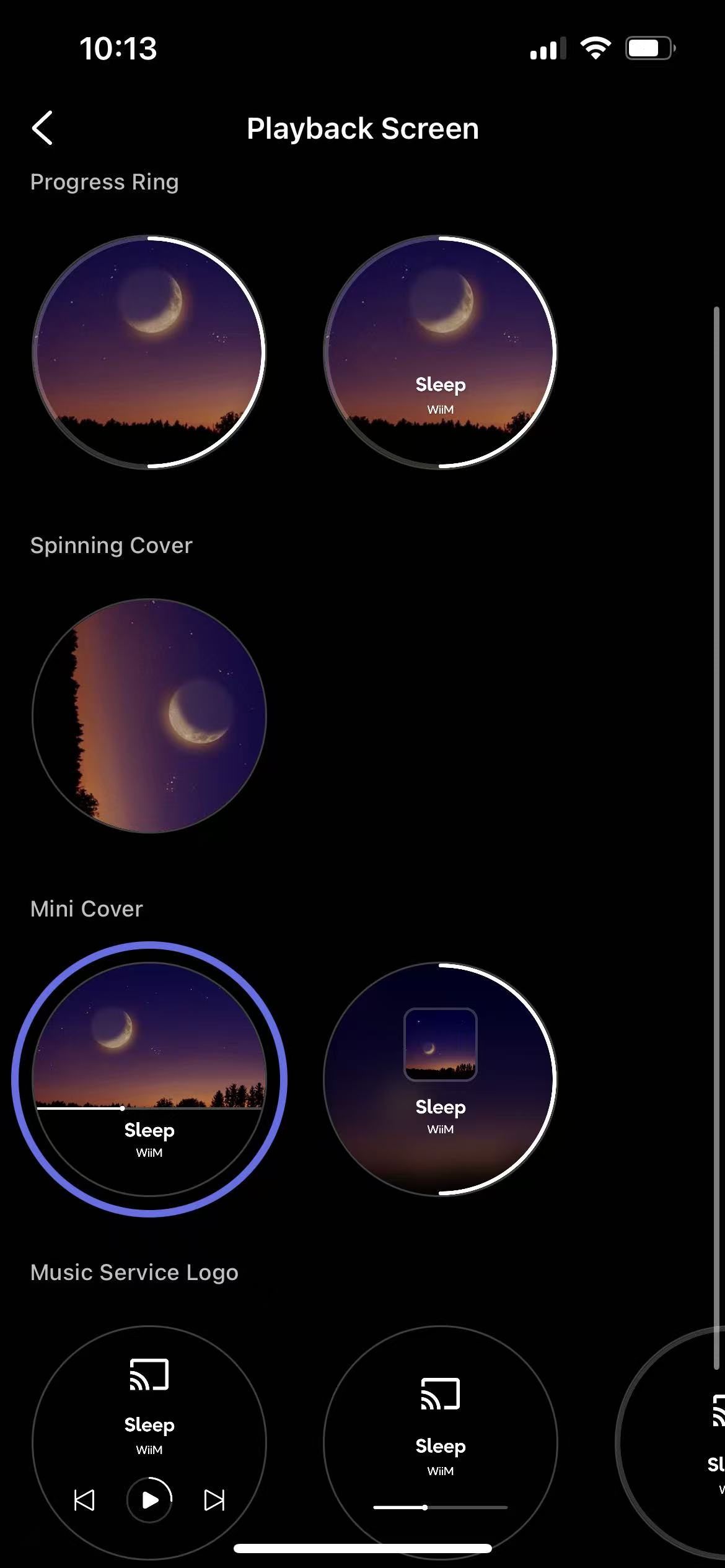
- Navigate to Screen Settings > Playback Screen.
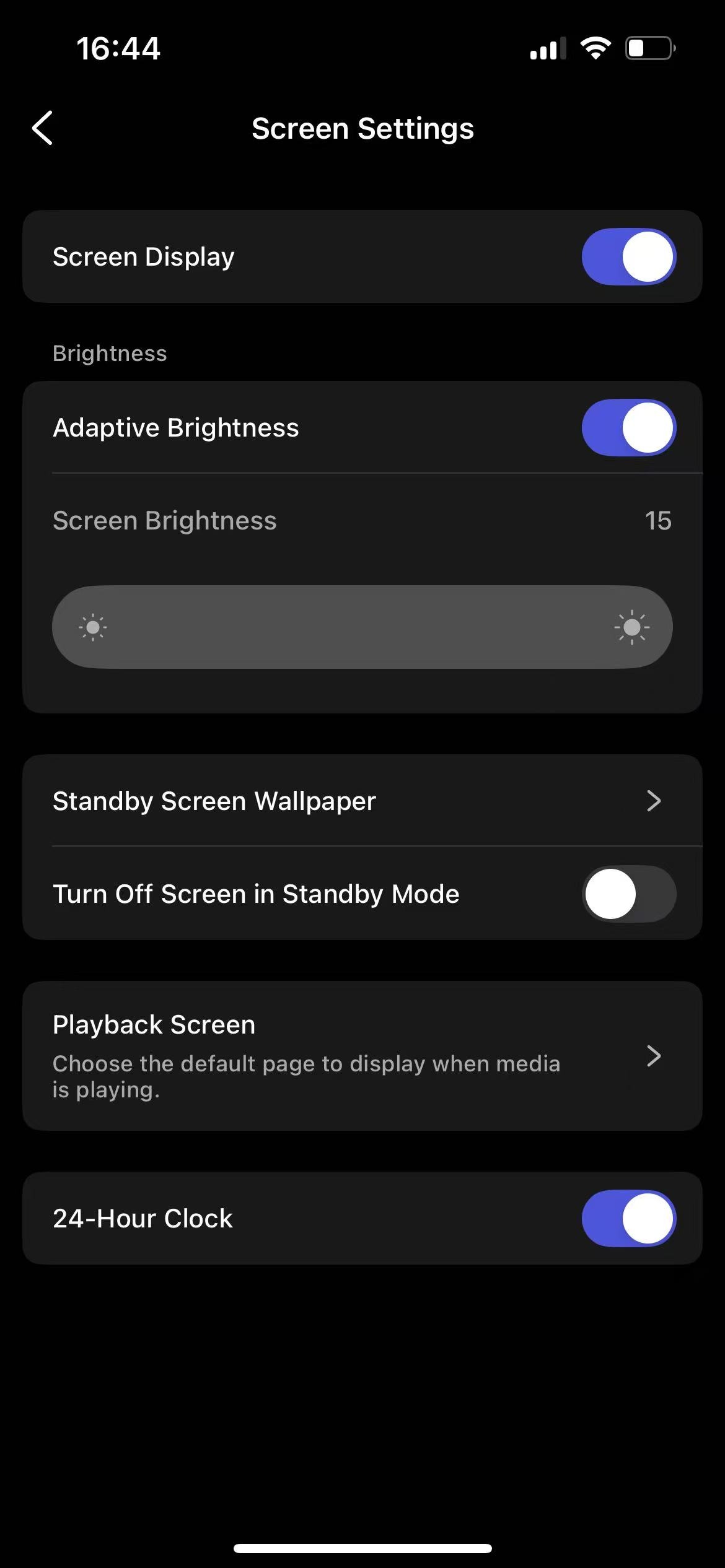
- Choose your preferred playback screen layout from the following ones:
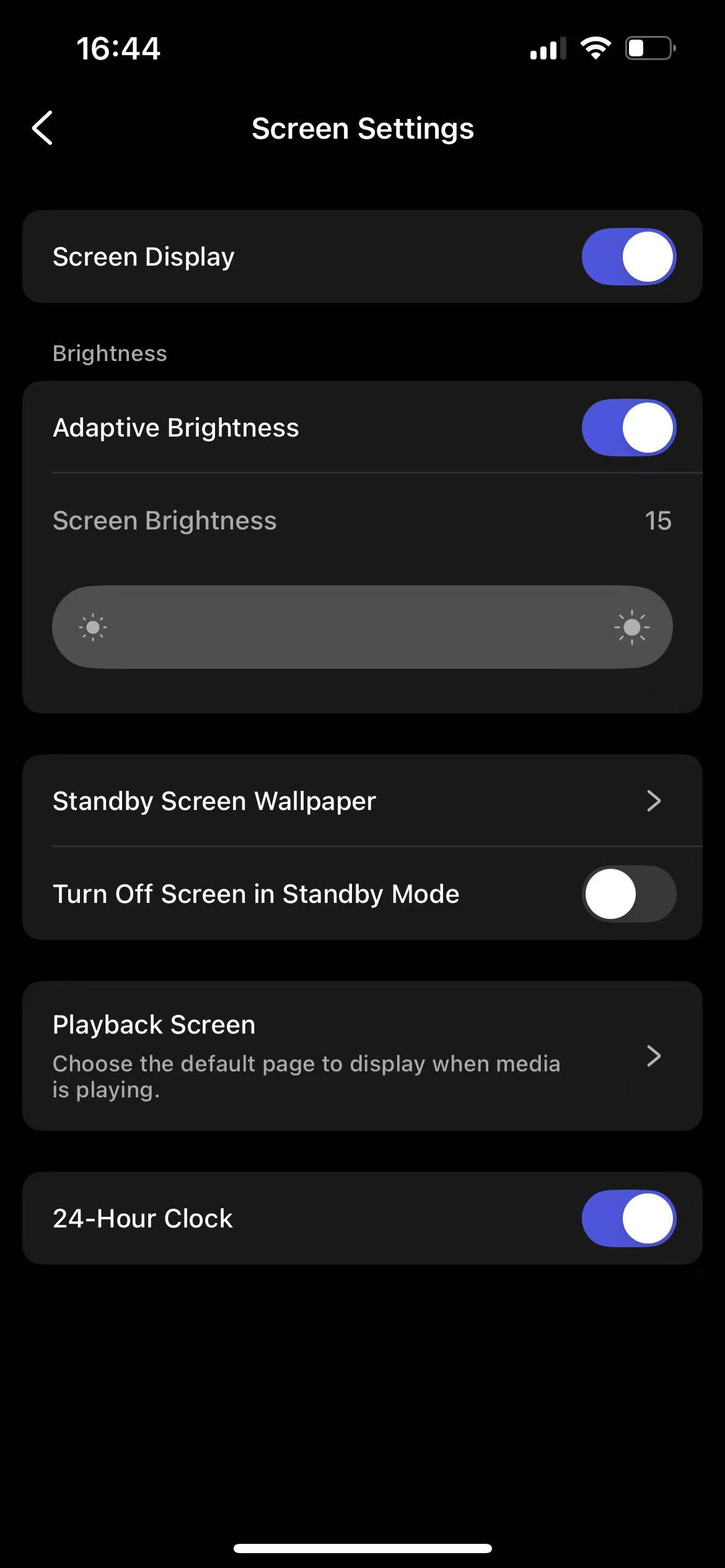
- Progress Ring: Shows your album artwork at the center alone with playback information, surrounded by a circular progress bar.
- Spinning Cover: Shows a rotating version of your album artwork, mimicking the movement of a vinyl record.
- Mini Cover: Shows a smaller album cover along with playback information.
- Music Service Logo: Shows the music service logo (e.g., Google Cast, Spotify Connect) along with playback information.
Now, stream music to your WiiM Sound and you will see the selected playback layout on the screen.
With these steps, you can easily customize the playback screen layout to best match your preferences.