
TABLE OF CONTENTS
To stream music via Bluetooth from your mobile device (e.g., smartphone or tablet) to your WiiM Ultra, you need to pair your mobile device with the WiiM Ultra first. This tutorial will guide you through the steps for Bluetooth pairing.
Initial Bluetooth Pairing
Step 1: Initiate Bluetooth Pairing Mode on WiiM Ultra
Choose the most convenient method for you:
- Option 1: Switch to Bluetooth input via these ways:
- WiiM Home app
- WiiM Ultra's built-in screen
- WiiM Voice Remote
- Option 2: Simply press and hold the Play button on your WiiM Voice Remote for 3 seconds.
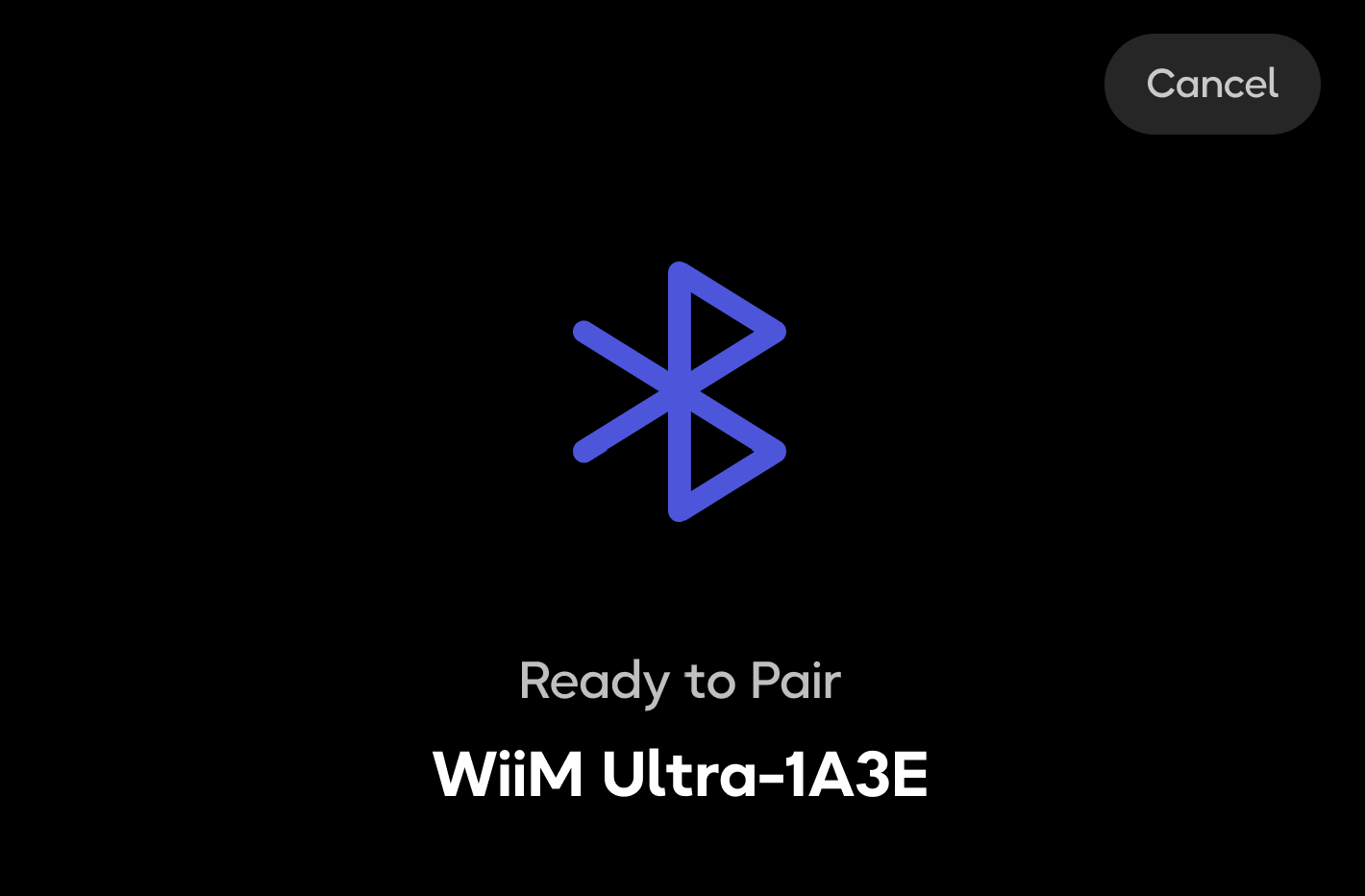
Step 2: Complete Pairing on Your Mobile Device
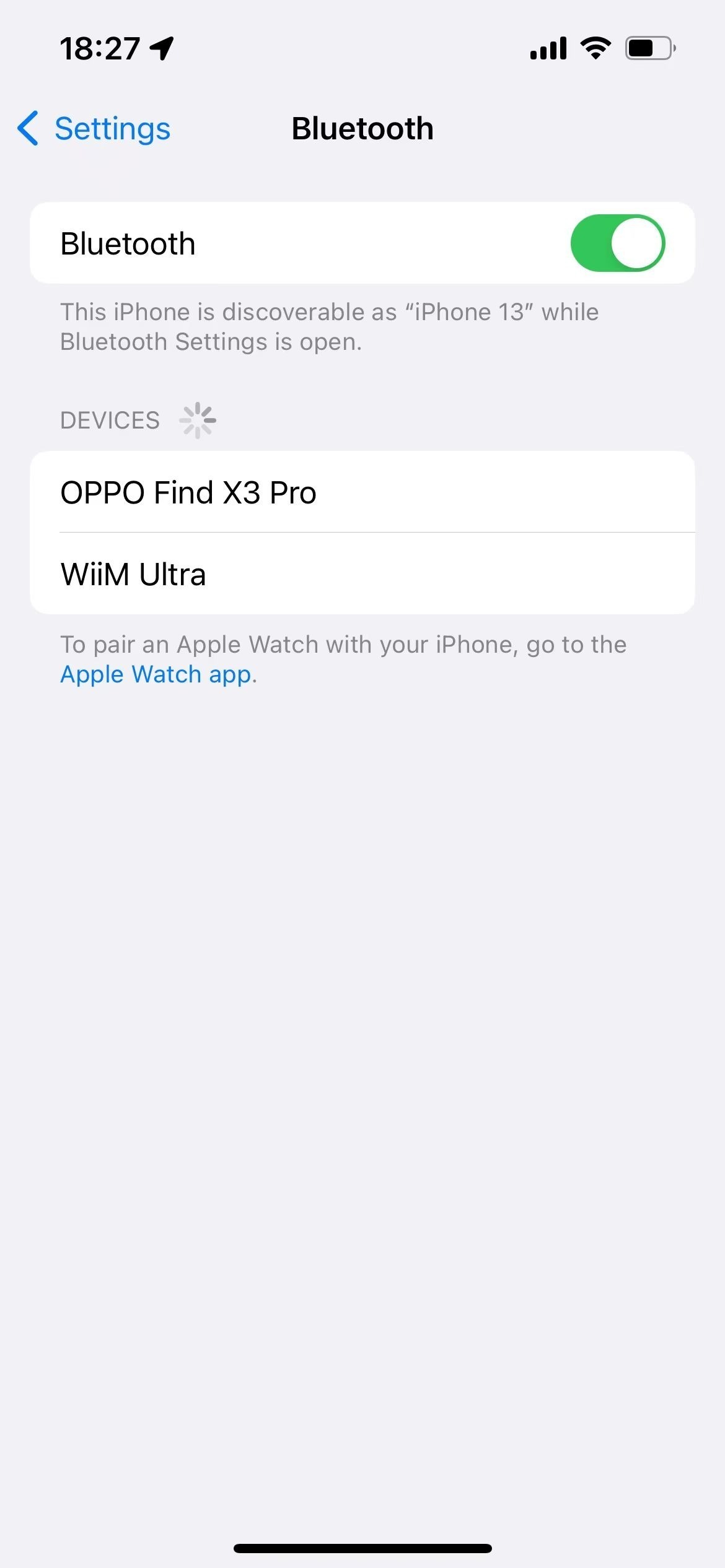
- Go to Settings > Bluetooth on your mobile device and turn it on.
- Tap the WiiM Ultra from the device list to pair.
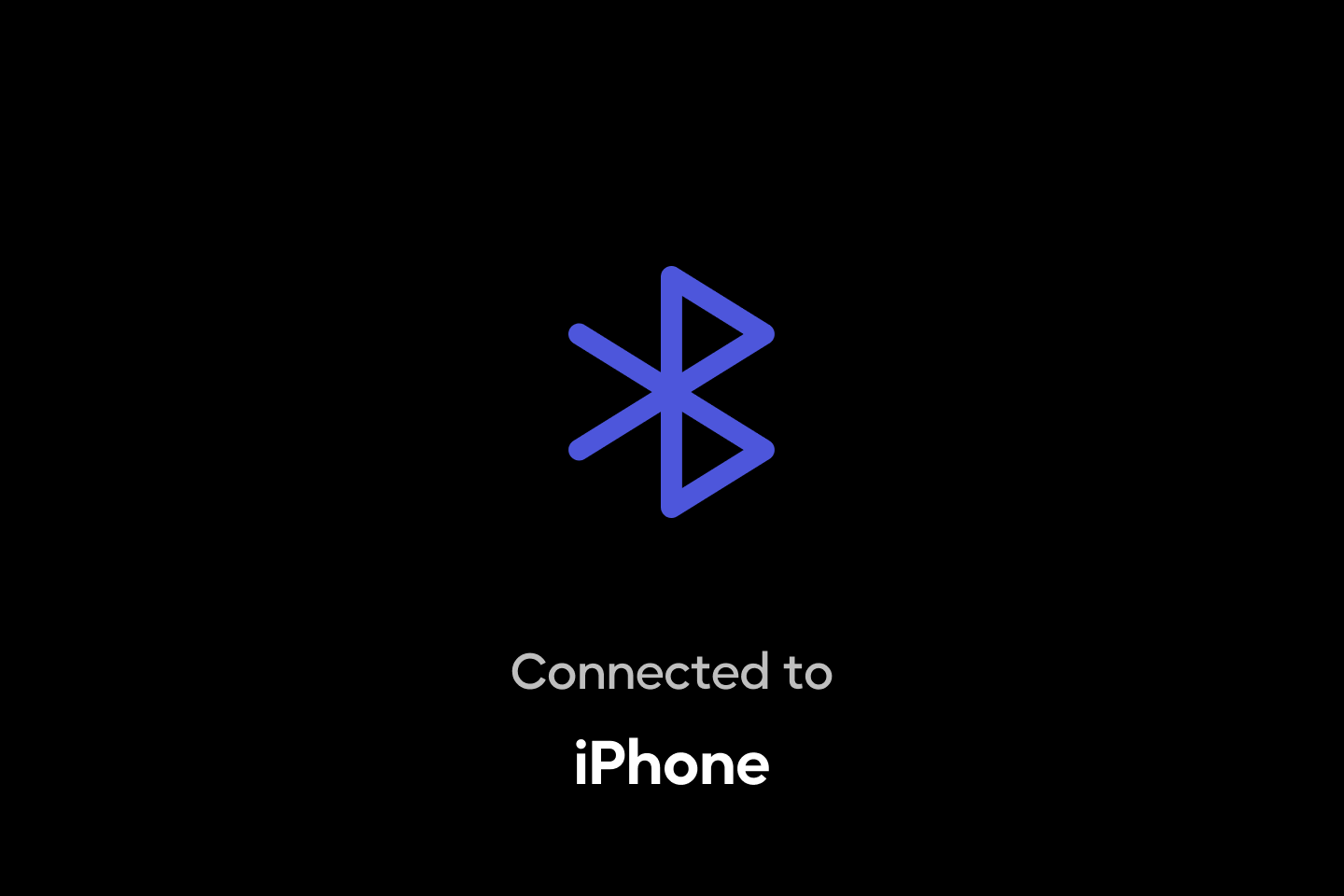
- Once paired, the LED indicator will turn solid green and a success prompt will appear on the WiiM Ultra's screen.
Bluetooth Re-pairing with a New Mobile Device
If you want to pair your WiiM Ultra with a new mobile device, follow these steps:
- Put the WiiM Ultra into pairing mode using one of the options below:
- Option 1: Use the Enter Pairing Mode option in the WiiM Home app or from the built-in screen.
For details, see Use "Enter Pairing Mode" to Quickly Pair a New Bluetooth Device. - Option 2: Simply press and hold the Play button on your WiiM Voice Remote for 3 seconds.
- Option 3: Turn off Bluetooth on the old mobile device first, then switch the WiiM Ultra to the Bluetooth input via the WiiM Home app, built-in screen, or WiiM Voice Remote.Note: Since it cannot find the previously paired device, it will automatically enter Bluetooth pairing mode.
- Option 1: Use the Enter Pairing Mode option in the WiiM Home app or from the built-in screen.
- Complete pairing on your new mobile device.
Bluetooth Connection Management
Once your WiiM Ultra is paired with a mobile device, you can manage the Bluetooth connection (e.g., disconnecting or reconnecting), using any of these methods:
- Option 1: Use the Enter Pairing Mode option in the WiiM Home app or from the built-in screen.
For details, see Use "Enter Pairing Mode" to Quickly Pair a New Bluetooth Device. - Option 2: Switch your WiiM Ultra's input via the WiiM Home app, built-in screen, or WiiM Voice Remote.
- Switching the input to anything other than Bluetooth or Wi-Fi will disconnect the Bluetooth connection.
- Switching the input back to Bluetooth will automatically try to connect with the paired mobile device.
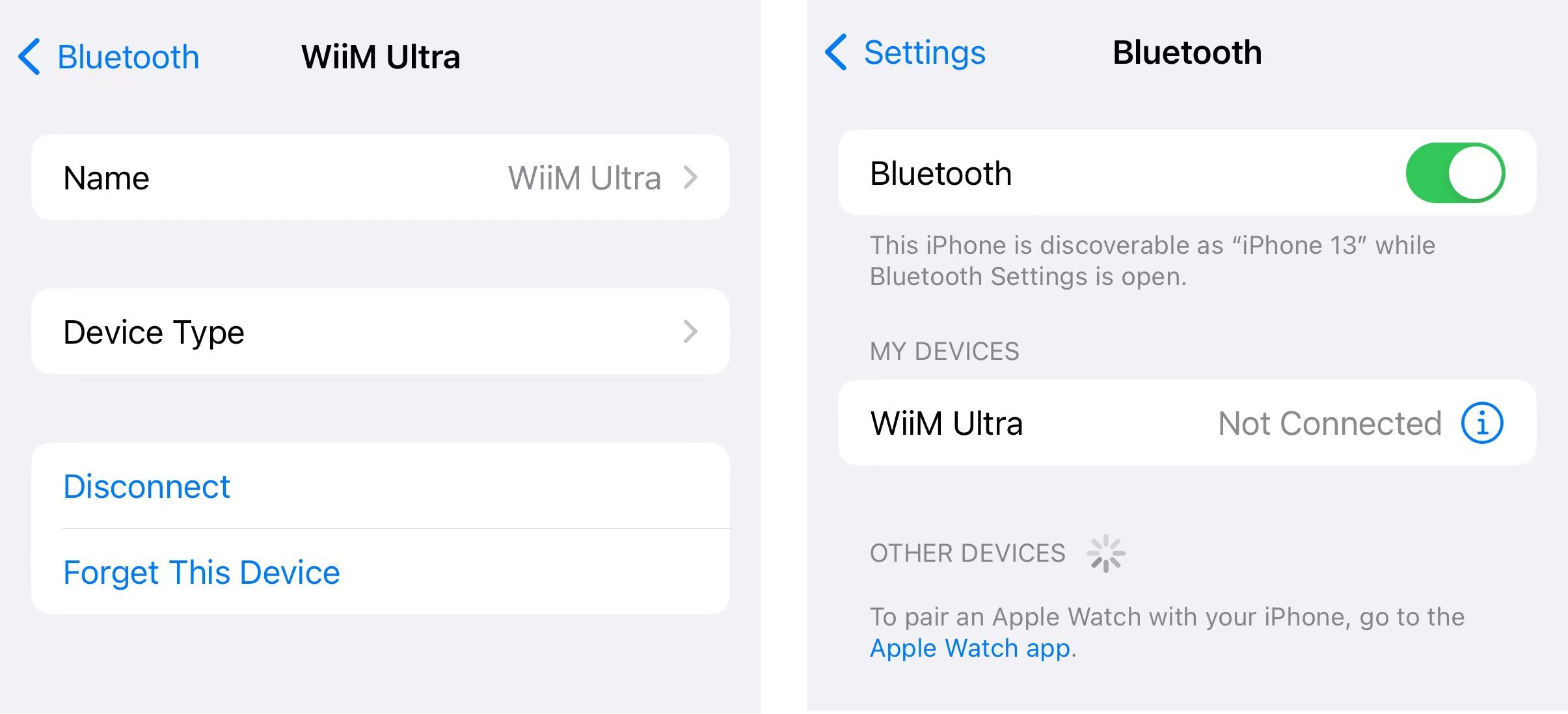
- Option 3: Disconnect or reconnect from the mobile device's Bluetooth Settings.
FAQ
Q: If I am in an environment without Wi-Fi, can I connect a new mobile device to the WiiM Ultra?
A: Yes. You can put the WiiM Ultra into Bluetooth pairing mode via its built-in screen or the WiiM Voice Remote. Then, complete the pairing on your new mobile device.
Refer to the corresponding instructions in Bluetooth Re-pairing with a New Mobile Device.
This method is not recommended when using a Wi-Fi connection, as it will disconnect the existing connection.