
TABLE OF CONTENTS
If you are trying to log in to a music service (such as, TIDAL, Qobuz, TuneIn, or Plex) within the WiiM Home app and are not redirected back to the WiiM Home app, please follow this guide to fix it.
Issue 1: "localhost:22347" Error
If you get stuck on a page showing “localhost:22347”, as shown in the diagram below, this issue is most commonly caused by your browser running in "Desktop site" mode on your Android device.
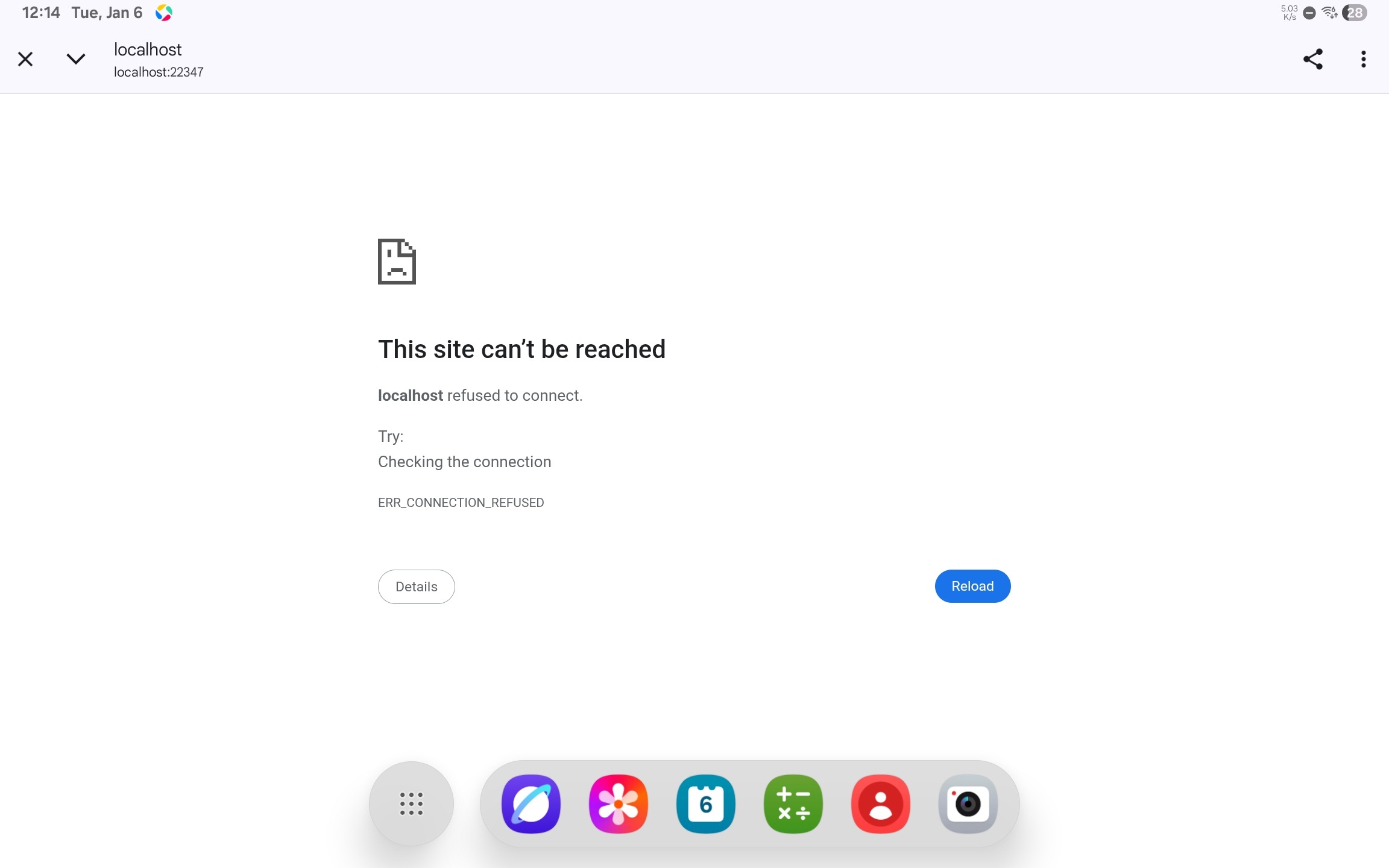
How to Fix It
- Disable "Desktop Site": Tap the three dots (⋮) in the top-right corner, then uncheck “Desktop site”.
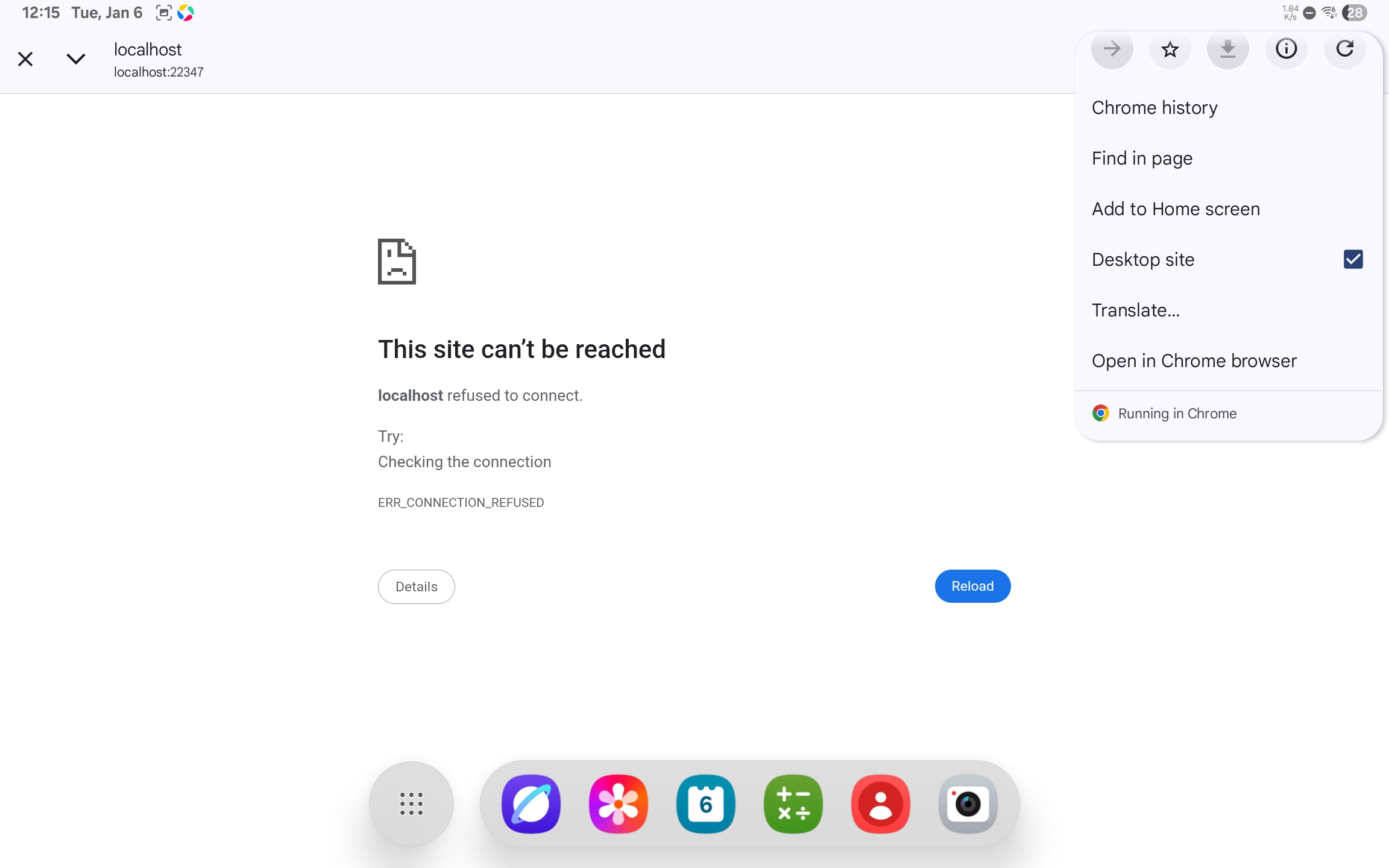
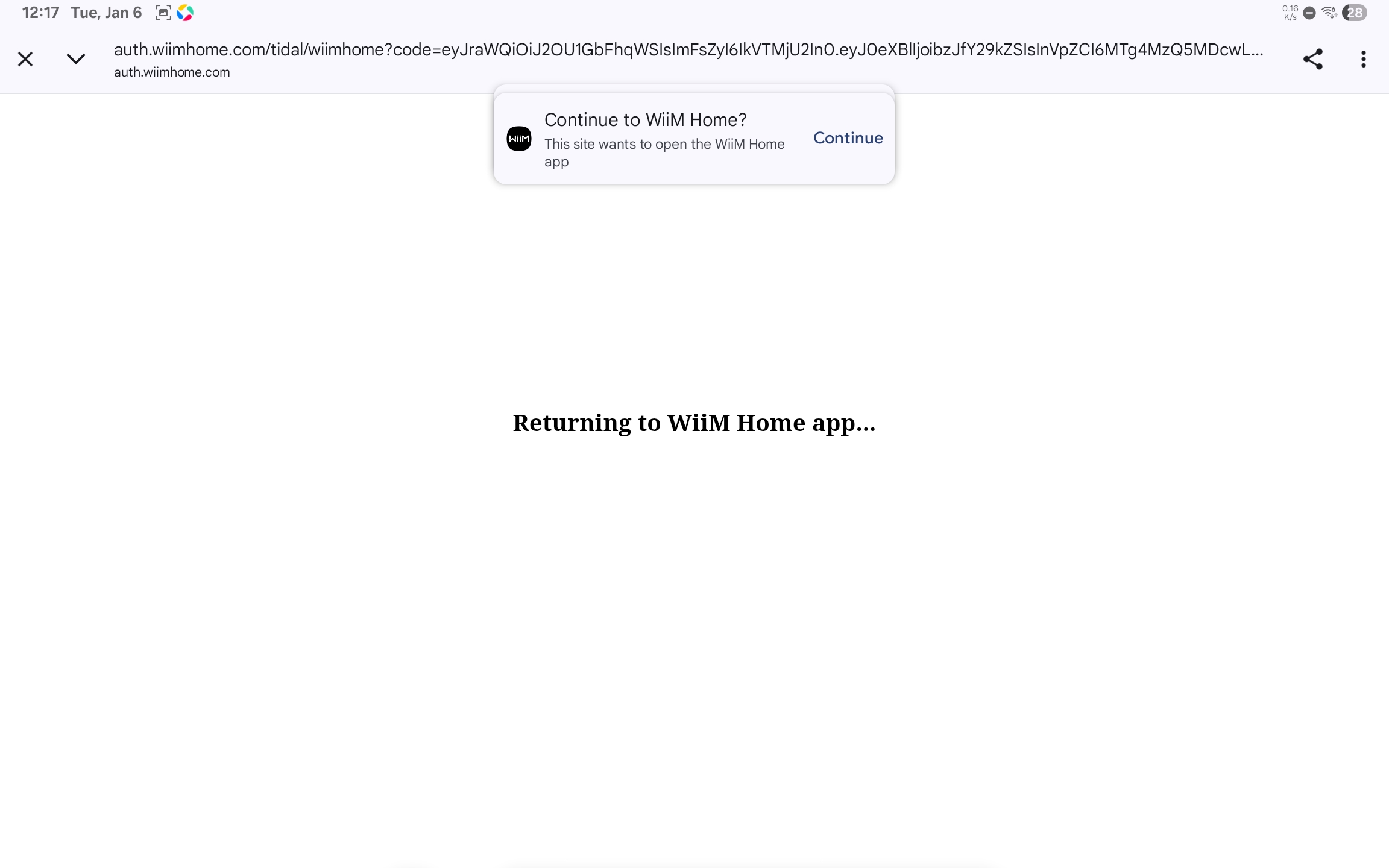
- Complete login: Follow the on-screen prompts to continue the login process. You should now be redirected back to the WiiM Home app and log in successfully.
Issue 2: Browser Compatibility Errors
If you experience other login issues (for example, a blank login page or request failure), the cause is usually related to browser compatibility.
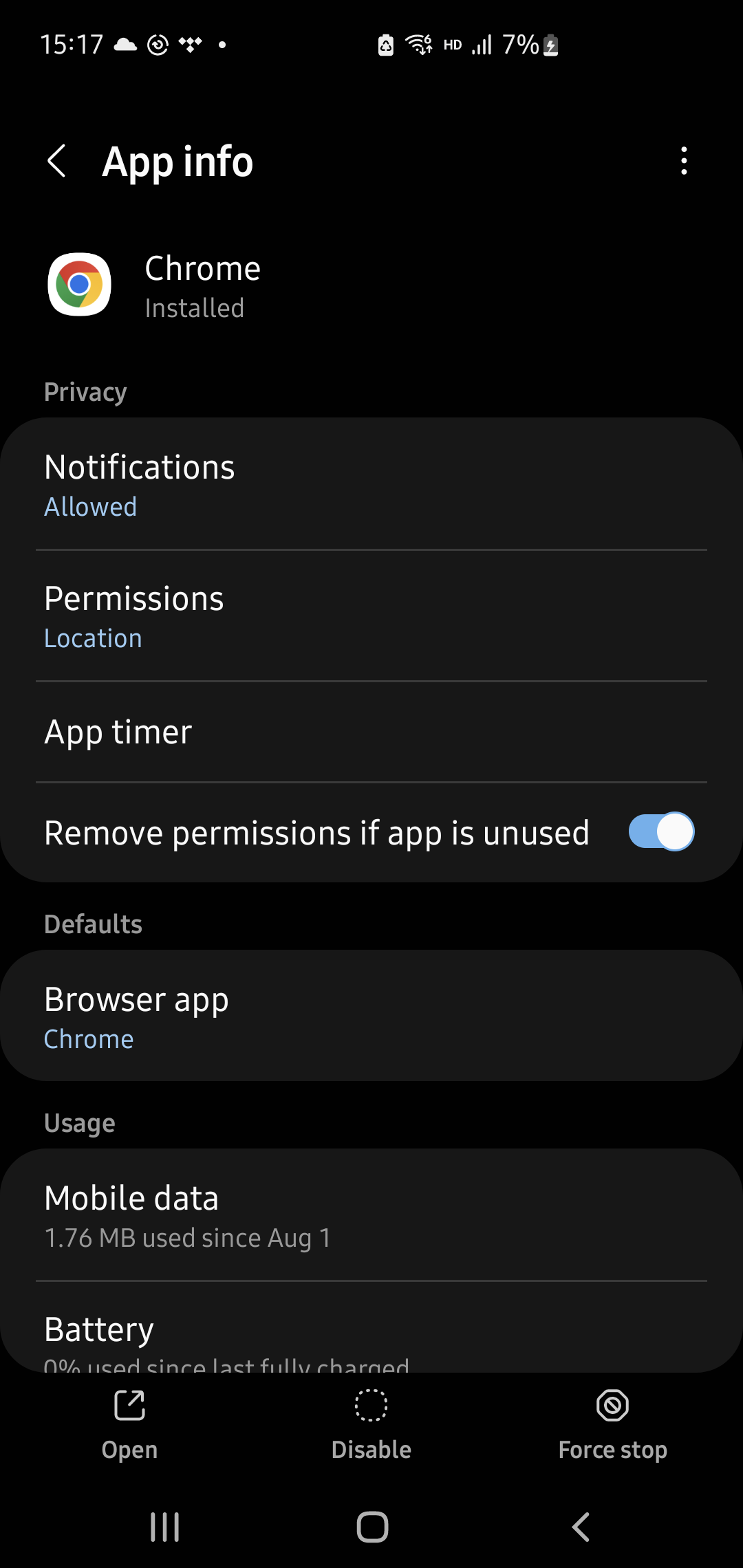
WiiM Home App generally works properly with browsers. However, if you experience the issue described above, set Google Chrome as the default browser and then try again.How to Fix It
Go to your Android system settings and set Google Chrome as the default browser. Then, try logging in again.
If the issue persists, please send us the feedback via the WiiM Home app for further assistance.