
Overview
The WiiM Amp, WiiM Amp Pro, and WiiM Amp Ultra feature Sub Out, allowing you to connect an active subwoofer for a 2.1 setup. For the best listening experience, proper synchronization between the subwoofer and the main speakers is essential.
To simplify this process, these WiiM devices now support the Subwoofer & Speaker Sync feature, making it easier to seamlessly align your subwoofer with the main speakers.
Understanding Subwoofer Delay
If your subwoofer performs digital signal processing (DSP), it most likely imposes a delay. Unfortunately, this delay cannot be reduced. To compensate, you can add a delay to the main speakers using the WiiM Home App.
If your subwoofer does not impose a noticeable delay but is placed farther from your main listening position than your main speakers, you should apply a delay value for your main speakers.
Adjust Subwoofer & Speaker Latency
Go to the Device tab > Device Settings > Sub Out >Subwoofer & Speaker Sync in the WiiM Home app.
Then, choose Automatic Sync or Manual Sync to align your subwoofer and main speakers.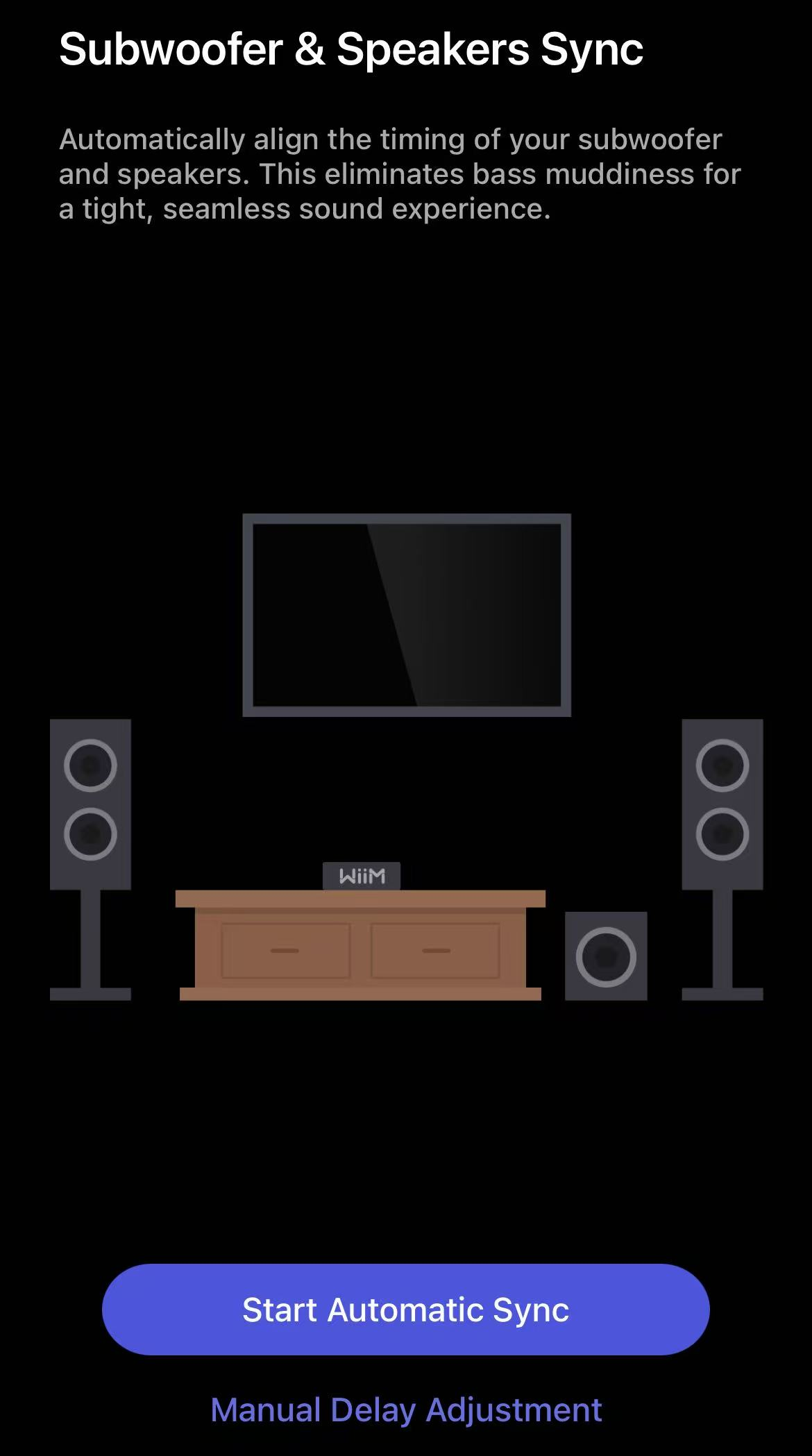
Best for: Most users seeking a quick, hassle-free setup.
How it works: Uses your phone's microphone to measure latency automatically.
- Select Start Automatic Sync.
- Prepare the Environment
- Ensure the room is quiet
- Rotate phone 180° (microphone pointing toward speakers)
- Hold it at ear height.
- Sit in the sweet spot.
- Audio Check: Tap Play Sound to ensure it's clearly audible.
- Start Measurement: Tap Start Measurement. Test tones will play from both speakers and subwoofer.
- Complete Sync: When "Sync Complete" appears, tap Done to apply the results.
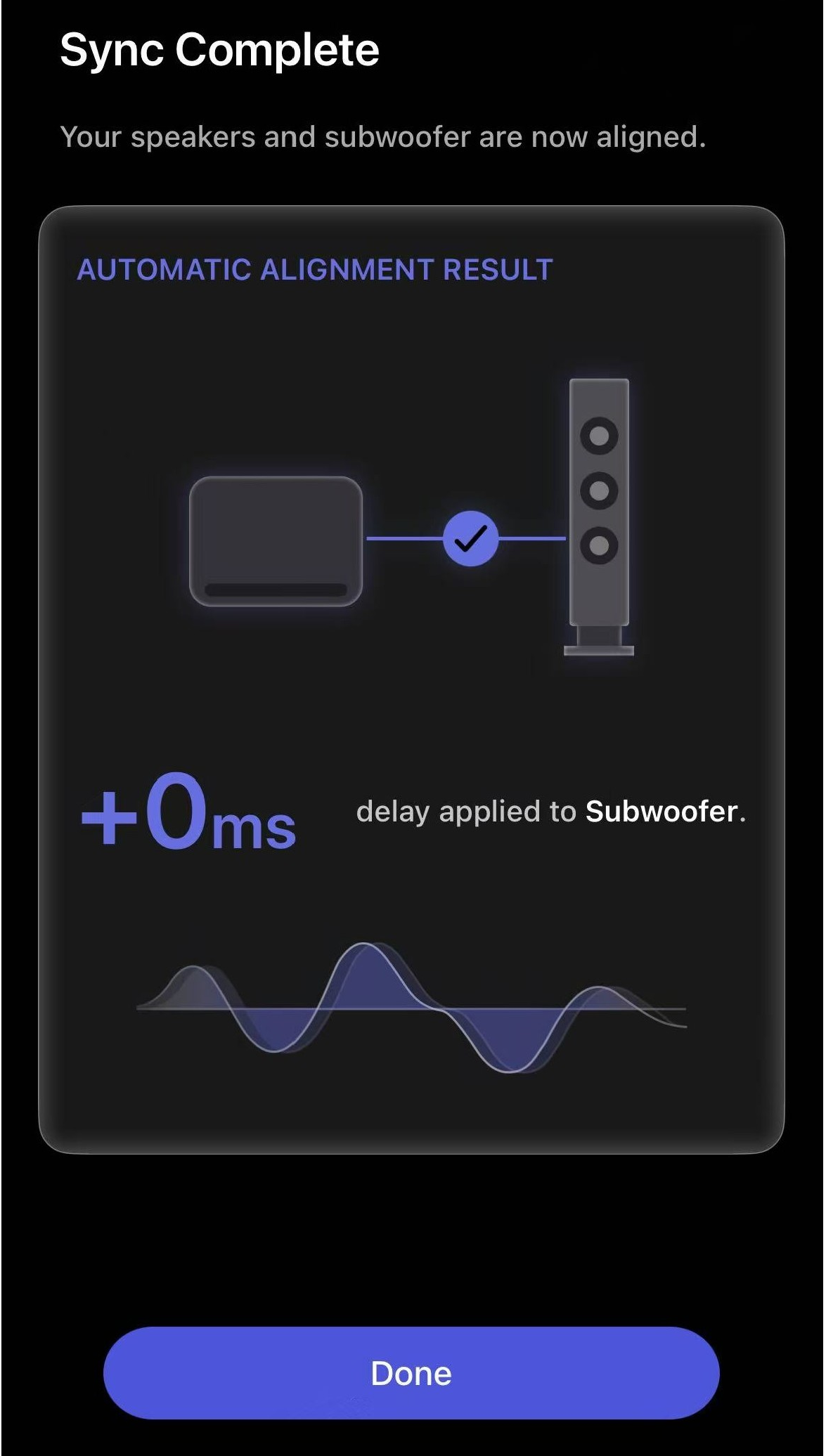
- If you want to adjust latency further after auto-adjustment, you can follow the Manual Sync Instructions below.
Best for: Audiophiles who prefer fine-tuning or noisy environments.
How it works: Allows manual adjustment to set the exact delay in milliseconds.
- Select Manual Delay Adjustment.
- Select Device: Choose the Subwoofer or Main Speakers tab.
- Adjust Latency: Use the slider or +/- buttons to set the delay (0 ms to 200 ms).
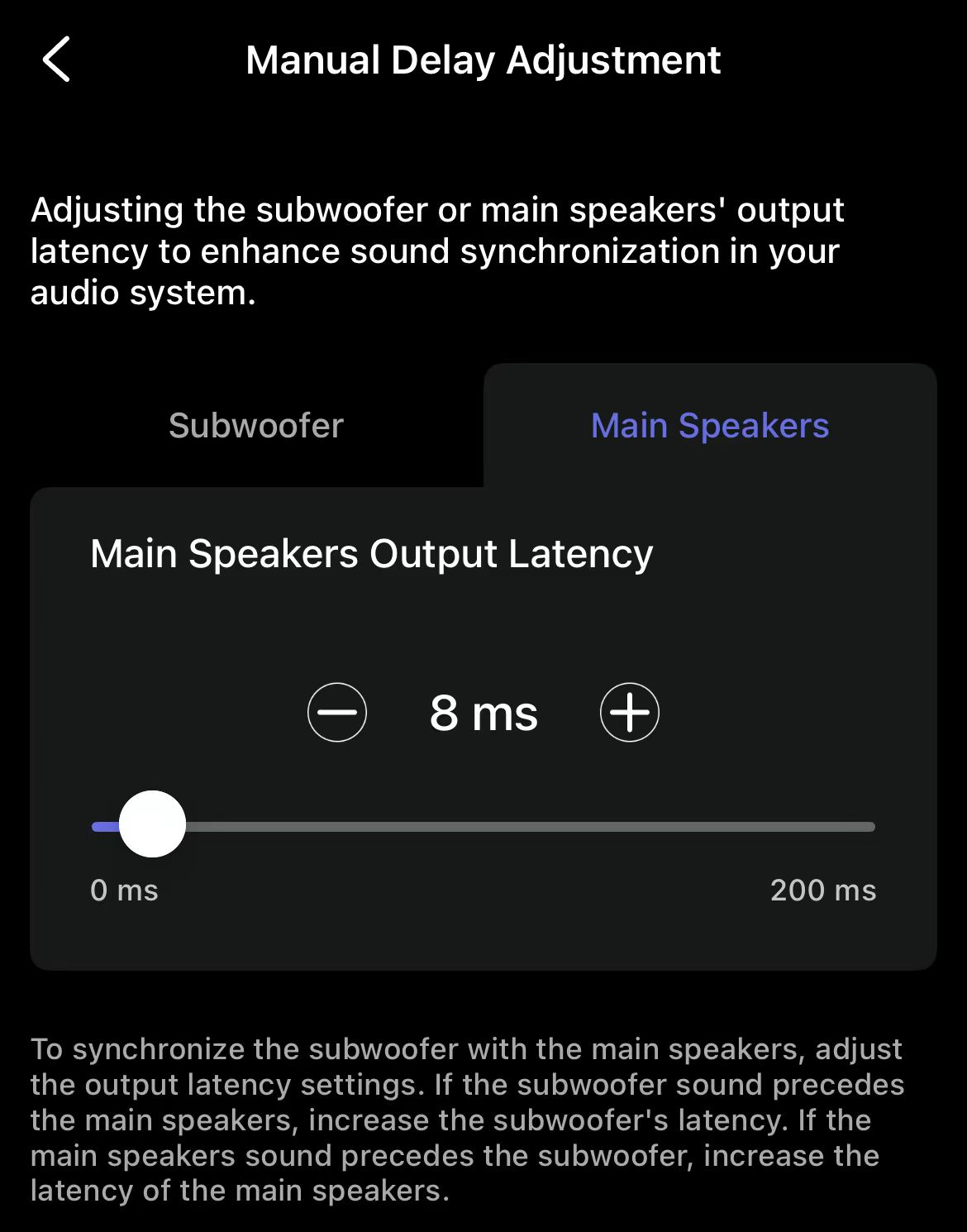
- If the subwoofer is too fast, increase its latency.
- If the main speakers are too fast, increase their latency.