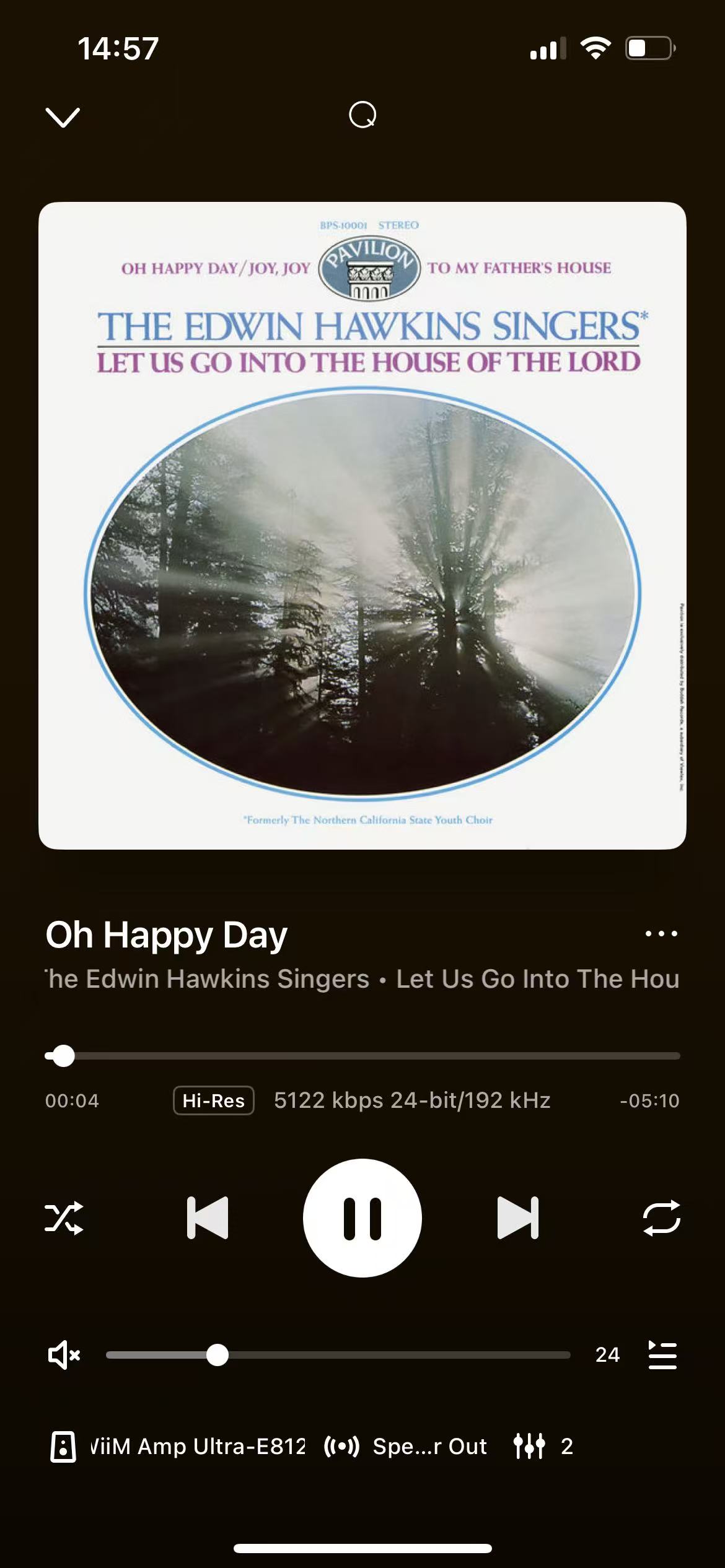
WiiM devices support Qobuz Hi-Res audio up to 24-bit / 192 kHz, provided your Qobuz subscription includes Hi-Res content.
1. Set Qobuz Streaming Quality
To ensure your WiiM device streams Hi-Res audio from Qobuz, please make sure the Qobuz streaming quality is set to the appropriate resolution in the WiiM Home app.
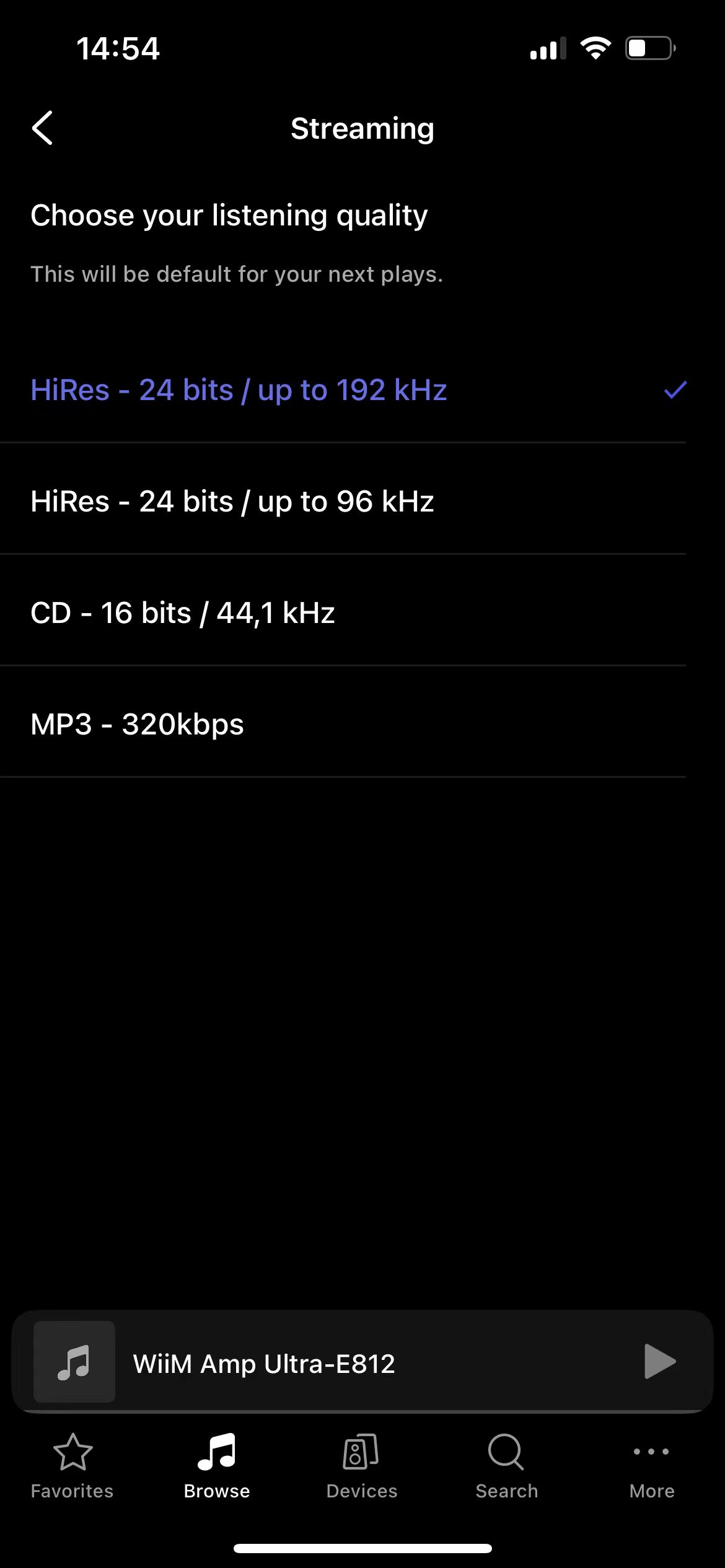
For detailed instructions, see How to Adjust Qobuz Streaming Quality in the WiiM Home App.
2. Set 24-bit/192 kHz for Optical/COAX/USB Output
If you are using Optical Out, COAX Out, or USB Out, make sure to set the output resolution to 24-bit/192 kHz in the WiiM Home app. Otherwise, the WiiM device may not output audio at 24-bit/192 kHz.
For details, see the following articles:
What Is the Maximum Bit Depth and Sample Rate for Optical/Coaxial Output?
Using USB Output on WiiM Amp, WiiM Amp Pro, WiiM Amp Ultra, and WiiM Ultra
3. Verify Streaming Quality in Now Playing
During playback, you can verify the bit rate, sample rate, and bit depth in the Now Playing screen of the WiiM Home app.